Pay SBP QR codes in rubles, from your wallet
Scan any SBP QR code in a shop, café or on a website and pay in rubles from your ruble balance. Swap USDT to rubles first — the rate and fee are shown before you pay. No Russian bank card needed.

Pay in rubles by SBP QR code


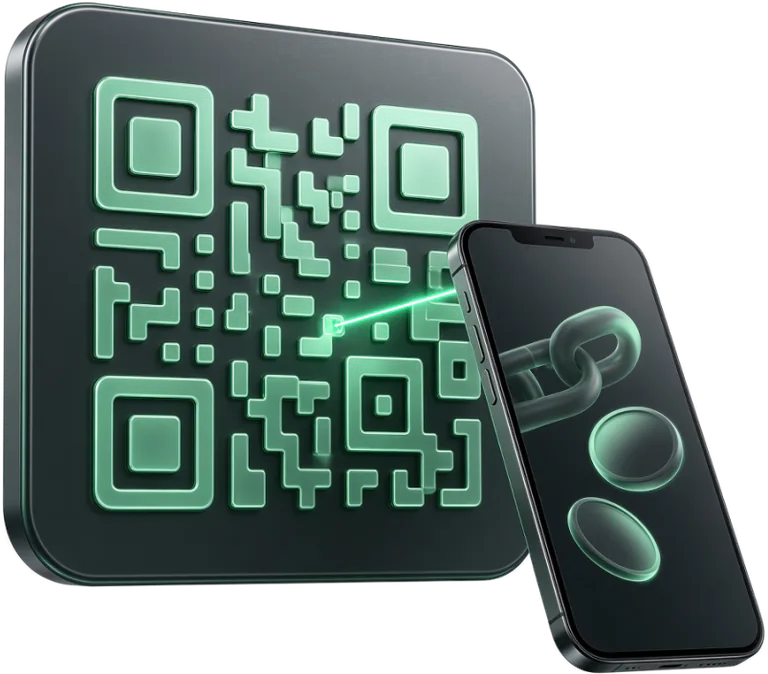
How to pay
- Buy rubles with USDTTap Swap (USDT → RUB), or open the Ruble card → Swap. The rate is shown before you confirm, and the rubles land on your ruble balance.
- Tap the QR button and scanThe QR button sits in the middle of the bottom menu. Any SBP QR code works: at the till, on a price tag, an invoice or a website.
- Check the amount and feeMatrimix shows the recipient, the amount in rubles, the fee and the total. If the QR has no amount, enter it — agree it with the seller.
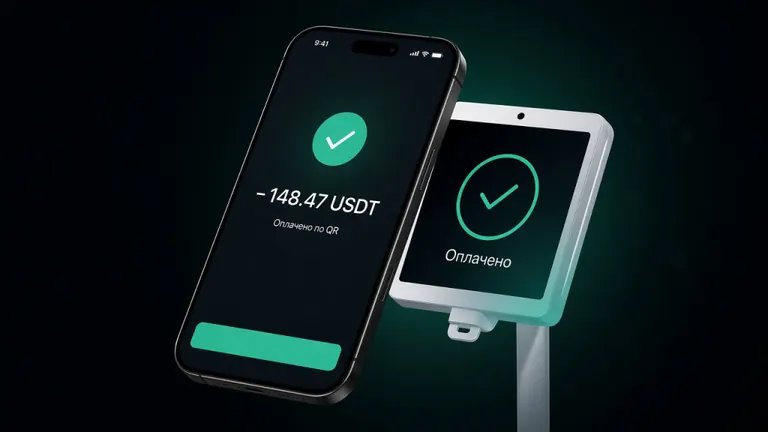
- Slide to pay — doneThe merchant receives rubles over SBP, and you get the Paid screen and a receipt in your history.
“Paid” in a couple of seconds
Like a banking app: scan, check, slide. The merchant's terminal sees a regular SBP payment in rubles.
- Everything visible before you payThe amount in rubles, the fee and the total — before you confirm, with no hidden charges.
- Protection from accidental paymentsA payment goes through only with a slide and within the limits per payment, day and month.
- If something goes wrongA failed payment returns to your balance automatically. For a completed payment you can request a refund.

Invite friends — earn on every payment they make
A three-level referral programme. Rewards land on your ruble balance right after each payment.
Plainly: QR payments are made from the ruble balance only — buy rubles with USDT or another coin in Swap first, the rate is shown before you confirm. Rubles can also be sent to a phone number over SBP or to a Russian card via payouts. If a QR code has no amount, you enter it — agree it with the seller. Limits per payment, day and month apply. A confirmed payment can't be cancelled, but you can request a refund.
QR payment questions
Which QR codes can I pay?
SBP (Faster Payments System) QR codes: at tills, on price tags, invoices and websites. If a QR has no amount, the wallet asks you to enter it — agree the amount with the seller.
Which balance is charged?
The ruble balance in your Matrimix wallet. Fund it first by swapping USDT or another coin to rubles; if rubles are short, the payment screen offers to top up the ruble balance.
How much does a payment cost?
The fee in percent is shown before you confirm, and the rate is shown when you buy rubles — you see the total before you slide. Current fees are on the fees page.
Are there limits?
Yes: per payment, per day and per month. If a payment exceeds a limit, the payment screen shows how much is left.
Can I cancel or refund a payment?
A confirmed payment can't be cancelled, but you can request a refund in the app. If a payment fails, the money returns to your balance automatically.
Do I need a Russian bank card?
No. The wallet opens in Telegram without documents and is funded with crypto; rubles appear after a swap. You can also send rubles to a phone number over SBP or to a Russian card via payouts. The app is in English and Russian.
Guides and articles
 QR payments
How Much Cash Can I Bring to Russia? Limits and Tips 2026
Up to USD 10,000 per person without a declaration. Which currencies to bring, where to exchange, how much you need a day, and when a ruble balance helps.
 QR payments
Is Crypto Legal in Russia? Law 282-FZ in Plain Words
Russia's law 282-FZ in plain words: owning crypto vs paying merchants, the ad ban, what it means for visitors and how Matrimix works. Not legal advice.
 QR payments
How to Pay in Moscow: Metro, Taxi, Cafes and Shops (2026)
How to pay in Moscow without a Russian card: Troika and metro fares, Yandex Go, SBP QR codes in cafes and shops, museums, markets and tips. October 2026.
Pay SBP QR codes in rubles
Open Matrimix in Telegram, top up with USDT, swap to rubles — and pay SBP QR codes.
Run a QR or SBP acquiring rail?
Connect your rail to Matrimix: we pay merchants through your API and settle with you in USDT.